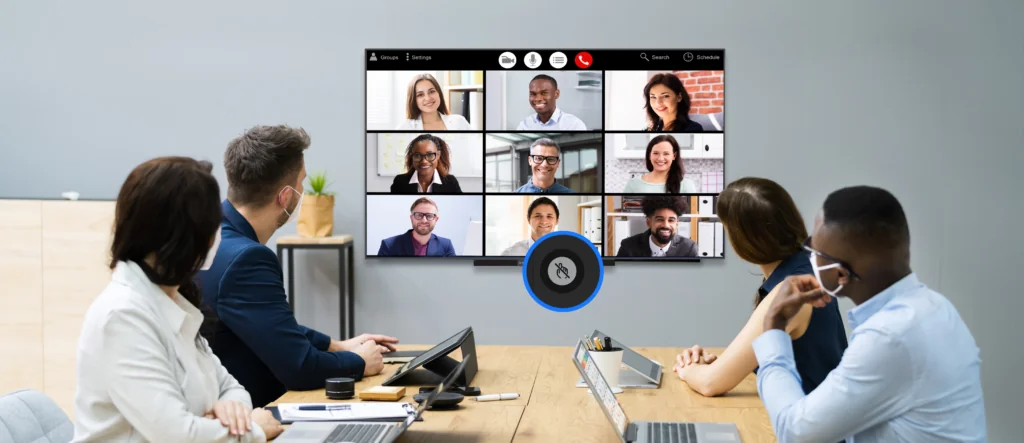
Modern meeting rooms demand more from display equipment than clear slides. Presentations, video calls, digital notes, document review, and wireless sharing may all happen during the same session. That makes all-in-one interactive flat panel technology worth evaluating as an integrated system rather than simply as a large touchscreen. Organizations comparing conference room smart boards should look beyond screen size and examine processing, touch behavior, software, conferencing hardware, and long-term support.
Match Processing Power With Meeting Workloads
Processor performance affects how quickly applications open, content switches, and collaborative tasks respond. Basic presentations may require relatively modest computing resources, while video conferencing, document editing, annotation, and multiple applications can place considerably greater demands on the internal system.
Memory and storage also influence everyday usability. Insufficient resources may create delays when several applications operate simultaneously. Corporate buyers should therefore consider the software expected to run locally instead of judging performance solely from processor names or clock speeds.
Operating-system support forms another part of the assessment. Compatibility with commonly used office applications, conferencing platforms, browsers, and collaboration tools can determine whether employees can work directly from the panel or still need an external computer.
Examine Resolution And Touch Performance
Resolution should correspond to both screen dimensions and viewing distance. Fine text, spreadsheets, diagrams, and detailed presentation graphics become easier to interpret when pixel density is appropriate for the room.
Touch responsiveness has a different role. Meeting participants may annotate slides, write notes, move objects, or interact with documents during discussion. Delayed responses can interrupt the flow of a meeting, making touch latency and writing accuracy worth testing before procurement.
Accidental contact can also create problems during presentations. Ledman incorporates an instant touch-lock function designed to disable touch input with one action, helping prevent unintended interaction while content is being presented. Such a feature can be particularly useful when presenters move close to the display or when meeting-room traffic is high.
Review Built-In Software And Collaboration Tools
Software determines how much of the panel’s functionality can be accessed without additional equipment. Annotation tools, whiteboarding, file access, screen sharing, and application support should be assessed according to actual business workflows.
Different departments may use the same meeting room differently. Sales teams might prioritize presentation sharing, engineering groups could require detailed diagrams, and management meetings may depend heavily on video conferencing and document review. Consequently, software flexibility can matter as much as hardware specifications.
An all-in-one interactive flat panel becomes more useful when these functions are accessible through a coherent interface. Excessive switching between applications, input sources, and external devices can make otherwise capable equipment cumbersome during busy meetings.
Assess Camera And Conferencing Quality
Video conferencing introduces another group of specifications. Camera resolution matters, but framing, field of view, Microphone pickup, speaker quality, and image processing can have an equally noticeable effect on remote communication.
Room size should guide camera selection. Larger conference rooms may require a wider field of view, while compact spaces can benefit from tighter framing. Camera placement should also preserve natural eye contact between people in the room and remote participants.
Audio deserves equal consideration. Echo, background noise, and uneven Microphone coverage can undermine communication even if the display itself performs well. Testing the complete conferencing setup under realistic room conditions provides more useful information than examining camera specifications separately.
Compare Warranty And IT Support
Corporate equipment operates within an ongoing maintenance cycle. Warranty coverage, replacement procedures, firmware support, software updates, and technical assistance should therefore be considered before purchase rather than treated as secondary details.
IT teams may also need centralized control over multiple devices. Remote configuration, update management, account permissions, and network settings can become increasingly important as deployment expands across offices or meeting spaces.
Service arrangements should match business requirements. Equipment used several times each day may require faster support channels than a panel installed in an occasional-use training room. Procurement teams should review these conditions alongside the initial hardware quotation.
Measure Value Through Real Meeting Scenarios
Specification sheets provide useful benchmarks, but practical testing can reveal differences that numbers cannot capture. A trial session might include opening a presentation, annotating content, switching between applications, joining a video call, and sharing material from another device.
Different user groups should participate in evaluation. IT staff can assess administration and security, while ordinary employees can judge interface simplicity and touch behavior. Meeting-room managers may focus on setup time and recurring operational issues.
For organizations comparing conference room smart boards, total value comes from how naturally the technology fits existing work habits. Ledman’s touch-disable function offers one example of a small operational feature that can address a specific meeting-room problem without requiring additional hardware.
Conclusion
Choosing an integrated meeting display involves more than comparing resolution or screen dimensions. Processing capacity affects multitasking, touch performance influences collaboration, software determines workflow flexibility, and camera and audio components shape remote communication. Warranty and IT support then influence how manageable the equipment remains over its service period.
The strongest purchasing process connects each specification to an actual business requirement. A panel used for presentations may need different capabilities from one supporting daily hybrid meetings or intensive collaborative work. Careful evaluation of these factors can help organizations select all-in-one interactive flat panel equipment that fits both present workflows and future meeting needs, with Ledman serving as one option for buyers assessing integrated interactive display technology.
